

Everything you own, in one place.
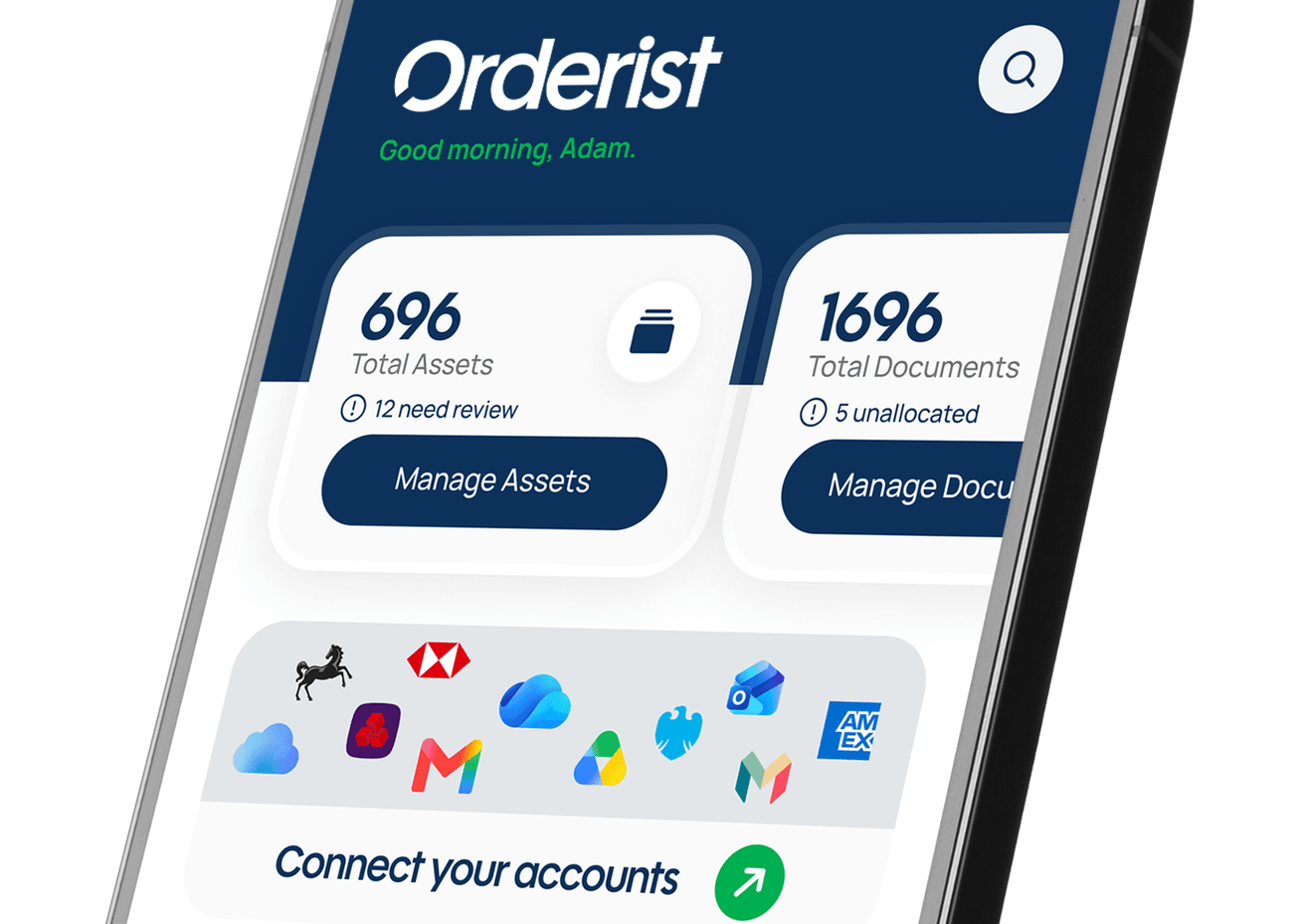
Orderist finds your accounts, memberships, pensions, property, insurance and documents, and keeps them current — so you're always ready when life changes.


Part of setting up your plan on Orderist is naming the people who'll act on your behalf if something happens to you. Your executor is one of three roles you can appoint, alongside a beneficiary and an emergency contact, each with a different job to do.
An executor is the person who manages someone's estate after they die, working from their will and their Orderist record to carry out their wishes. This is available on Essential and B2B plans (not on Free).
Naming someone as your executor doesn't give them access to anything straight away. They're simply asked whether they're willing to take on the role.
You enter their full name, email address, and how you know each other. They're invited to create an Orderist account (if they don't already have one) and asked to accept or decline. If they accept, they complete a quick identity check, government ID plus a selfie, to confirm who they are. This doesn't mean anything has happened to you. It's simply confirming their identity for later. If they decline, you'll be asked to choose someone else.
Your executor sees a simple status card confirming they're listed for you, and nothing more. They can't see any of your assets, documents or will unless and until your estate is activated.
If a death is reported, your executor is one of the two people asked to confirm it (see “The death attestation process”). Once that's complete, they gain access to your will, your full asset record, and the people you've named as beneficiaries, and can begin managing things on your behalf.